KVM Switches 101: How Enterprises Simplify Server Room Management
The Problem KVM Switches Solve
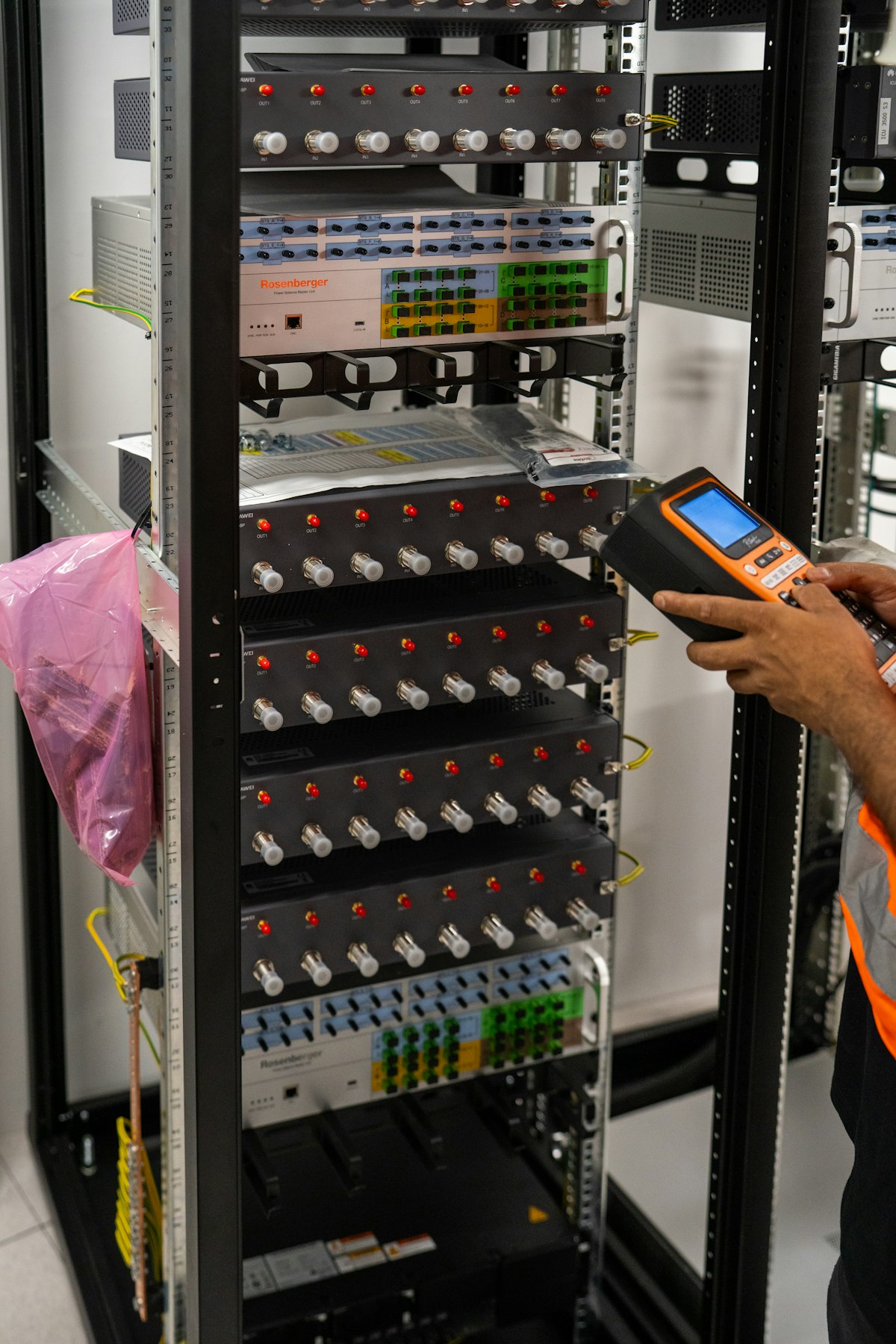
Every server, by default, needs its own keyboard, video monitor and mouse to be managed directly. In a rack with 8, 16 or 32 servers, that means either a cluttered desk full of duplicate peripherals, or walking between racks with a laptop every time something needs attention. A KVM (Keyboard, Video, Mouse) switch solves this by letting one console control many servers through a single set of peripherals.
How It Works
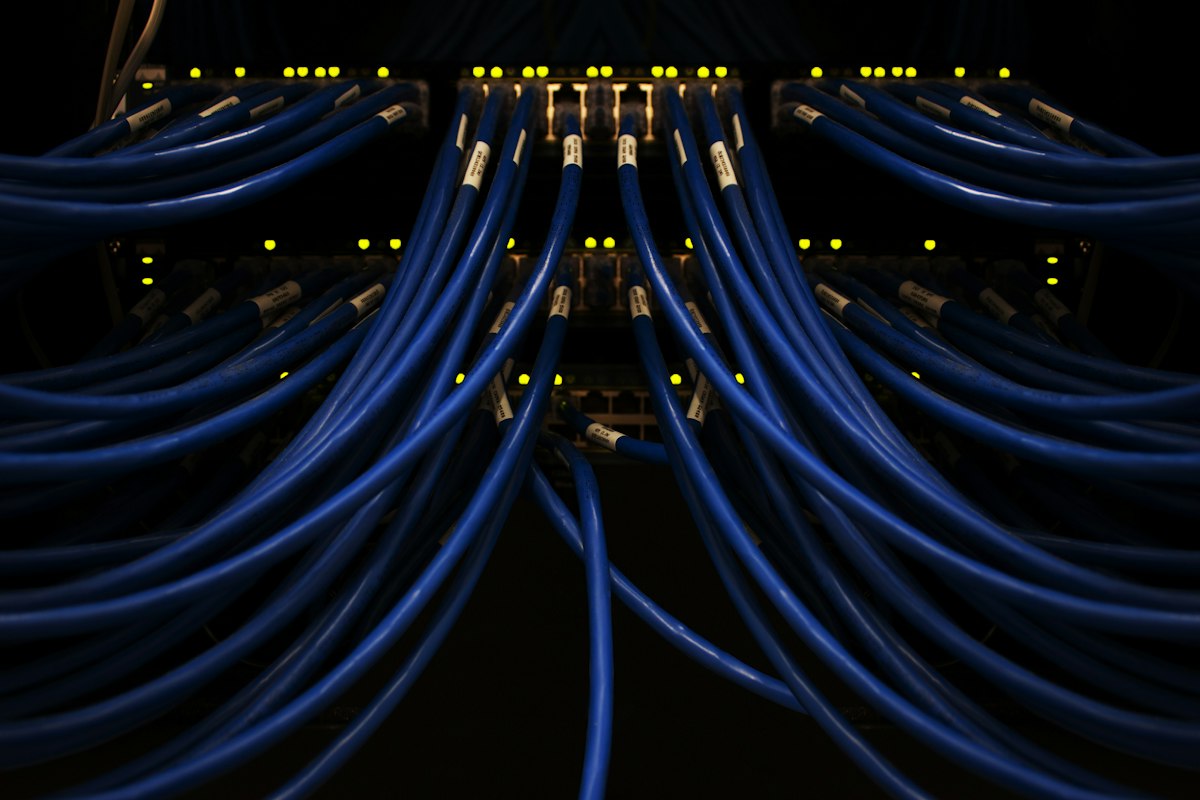
A KVM switch connects to multiple servers via cables (or over your existing network, in the case of KVM-over-IP) and lets an administrator switch between them instantly — usually with a hotkey, an on-screen menu, or a front-panel button. The server being viewed sees a direct keyboard/mouse/video connection as if it were plugged in locally.
Local KVM vs KVM-over-IP
A local (desktop) KVM switch, like an 8-port USB VGA/HDMI model, is ideal for a single rack where the admin is physically present. KVM-over-IP switches go further — they let an administrator access and control servers remotely over the network (or internet, with the right security controls), which is essential for data centres, co-located racks, or IT teams managing infrastructure across multiple office locations.
Signs Your Server Room Is Ready for a KVM Switch
If any of these sound familiar, a KVM upgrade will likely pay for itself quickly:
- Your server room desk has 3+ duplicate keyboards/monitors cluttering the space
- IT staff frequently walk back and forth between racks to manage different servers
- You need to give remote/after-hours access to servers without exposing them to full remote desktop risk
- You're consolidating multiple smaller server rooms into one data centre
Sizing the Right KVM Switch for Your Rack
KVM switches come in 2, 4, 8, 16 and higher port counts, with support for USB, VGA, HDMI or DisplayPort depending on your server generation. We help clients map their exact server count and video interface requirements to the right ATEN KVM model — including KVM-over-IP for multi-site management — before finalising a quote.
Setting up or expanding a server room?